
PDF2PICTURE Annual Subscription
PDF2PICTURE Annual Subscription
PDF2PICTURE offers two modes – vector and image. Vector mode unlocks all objects, attributes, layers, and text. Image mode is excellent for creating high-fidelity images. Converts in multipage and batch mode with more than 60 advanced fine-tuning and format controls.
The pdf2picture Annual Subscription includes the current version plus all updates, upgrades, and new versions. These are available immediately upon release in your account. In addition, you get priority support and replacement software at no extra charge.
$29.00 / year
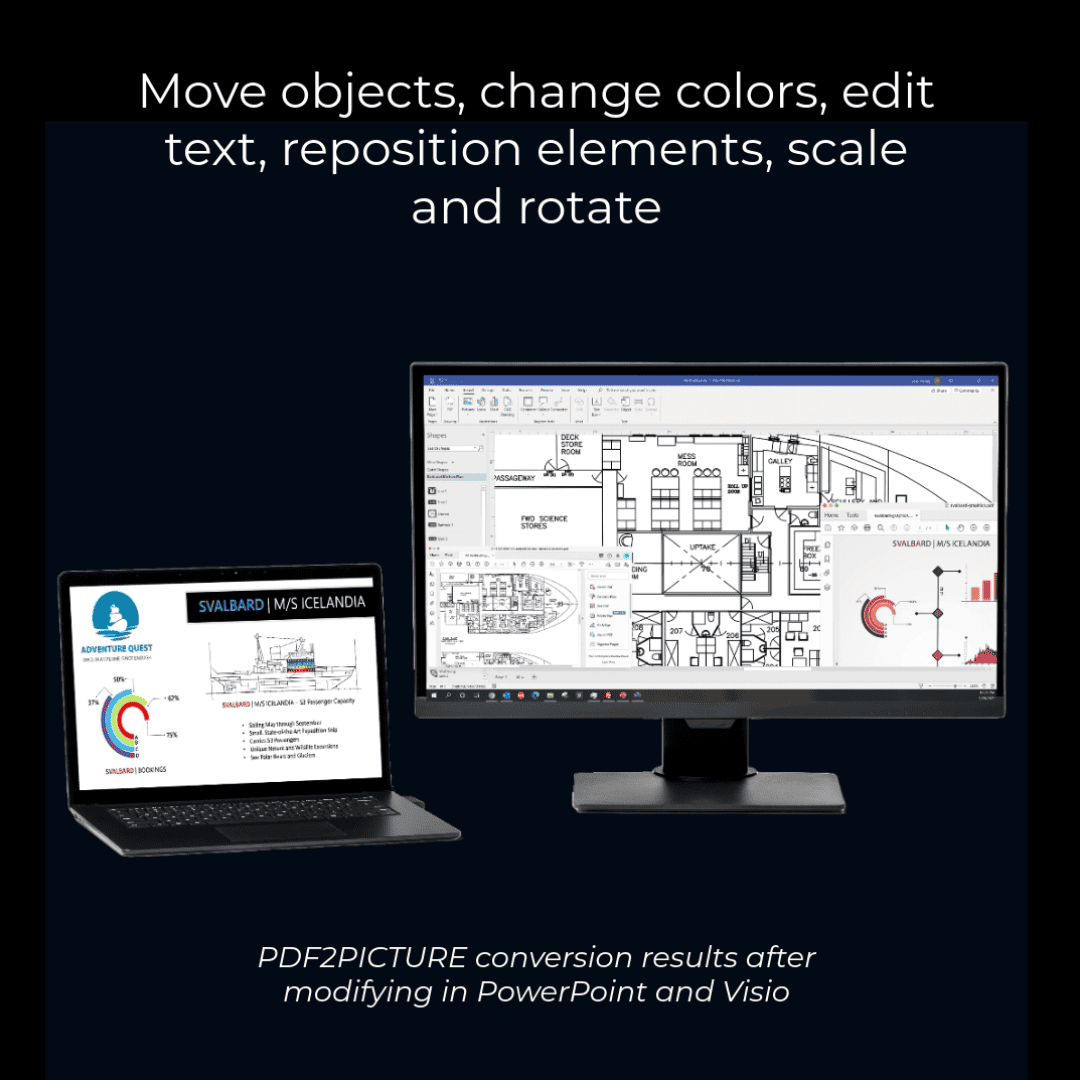
EDIT PDF IN VISIO WITH PDF2PICTURE V14
Transform PDF, EPS, and AI files into editable vector drawings or high-fidelity image formats. PDF2PICTURE is the ideal companion for Visio, Microsoft Office, Publisher, Google Apps, SketchUp, and more. Choose vector or image mode, and pdf2picture will always produce accurate, high-quality results. Choose vector mode to extract the objects and text from computer-generated PDF files for editing or repurposing. Image mode is ideal for generating high-quality images or making Web-ready graphics from PDF files.
PDF2PICTURE FEATURES
- Convert PDF, EPS, and Adobe Illustrator (.ai) formats
- Choose vector or image output mode
- Convert single files or multiple files using built-in batch mode
- Accurately reproduces objects in the native web and Windows vector formats
- Outputs Scalable Vector Graphics (SVG) for the Web
- Exports editable EPS files for desktop publishing and print production.
- Presents font-based PDF text as editable text in vector output
- Merges characters into words and words into one-line strings for improved editing and searching
- Apply font name mappings during conversion to replace or substitute for fonts
- Automatically preserves original PDF sheet size
- Rotate output by any degree
- Crop output to eliminate white space
- Emulate PDF clipping and cropping commands
- Ignore vectors, images, or text during conversion
- Custom names for multi-page files
- Transforms multi-page PDF into multiple single-page files
- Simplified interface for fast and efficient conversions
- Includes free WMF viewer
- Improved reporting on errors and warnings
- Expanded support for non-standard font encodings
SYSTEM REQUIREMENTS & COMPATIBILITY
- Runs on all supported Microsoft Windows® systems
- Supports all levels of PDF through the current ISO PDF specification
- Easy wizard-style Windows interface
- Formats produced are compatible with Microsoft® PowerPoint®, Microsoft® Word, Microsoft Publisher, Microsoft® Excel®, Microsoft Visio, Google Apps and more
COMPATIBLE APPLICATIONS
- Visio (WMF, EMF or SVG)
- PowerPoint (WMF, EMF, EPS or SVG)
- Microsoft Word (WMF)
- Publisher (WMF)
- and more!
INPUT FORMATS
- PDF, EPS, AI
OUTPUT FORMATS
- Vector – WMF, EMF, EPS, and SVG
- Image – JPEG, GIF, PNG, TIFF, BMP


